
Originally published on LinkedIn on 2025-10-18.
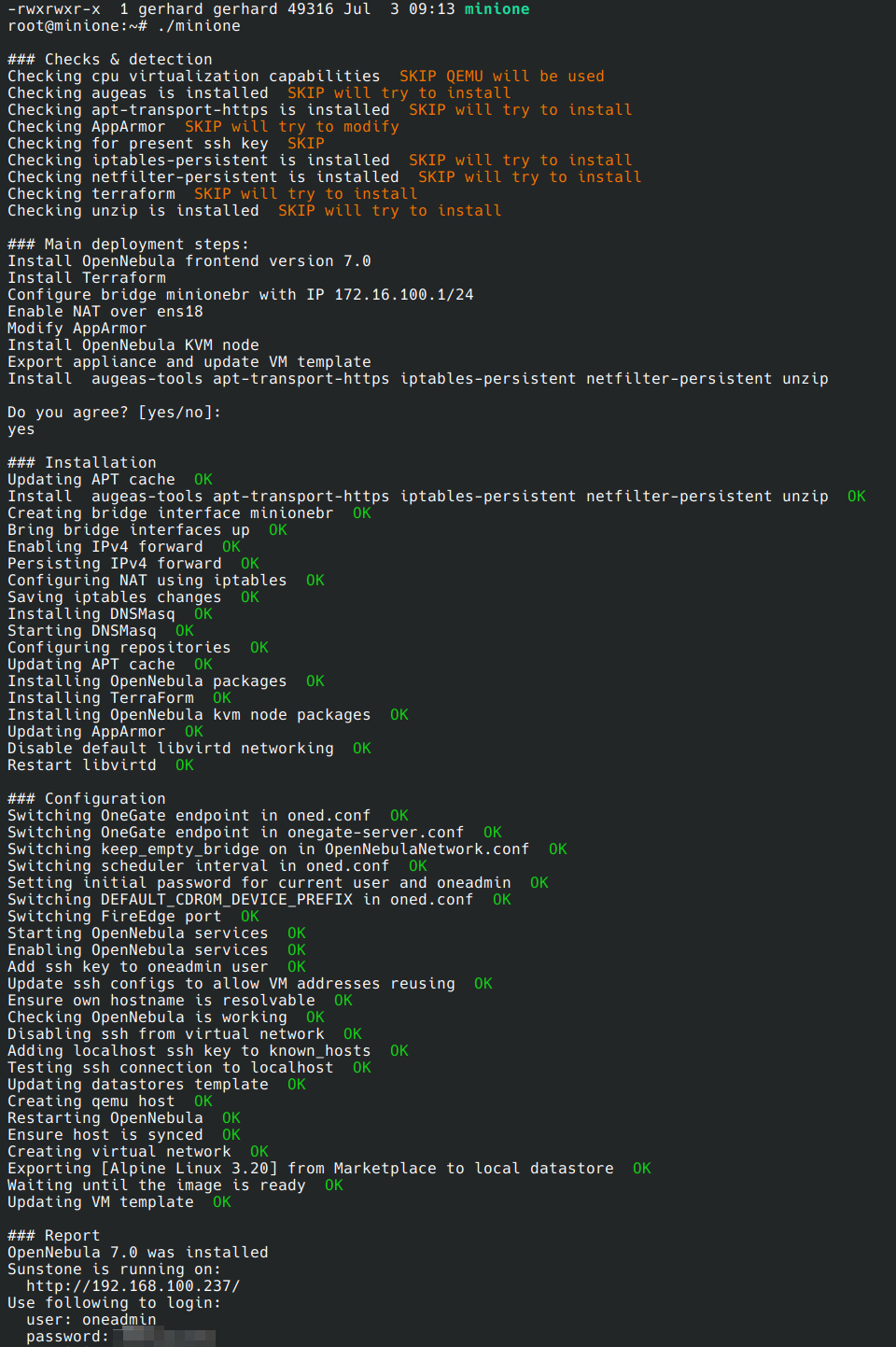
Since I didn’t use Opennebula for a while but had good experience with it at the past, I decided to check what is new within this project. Therefore I instantiated a miniONE instance in the proxmox Homelab.
- Deploy miniONE on the virtualized node: Hotwto Deploy
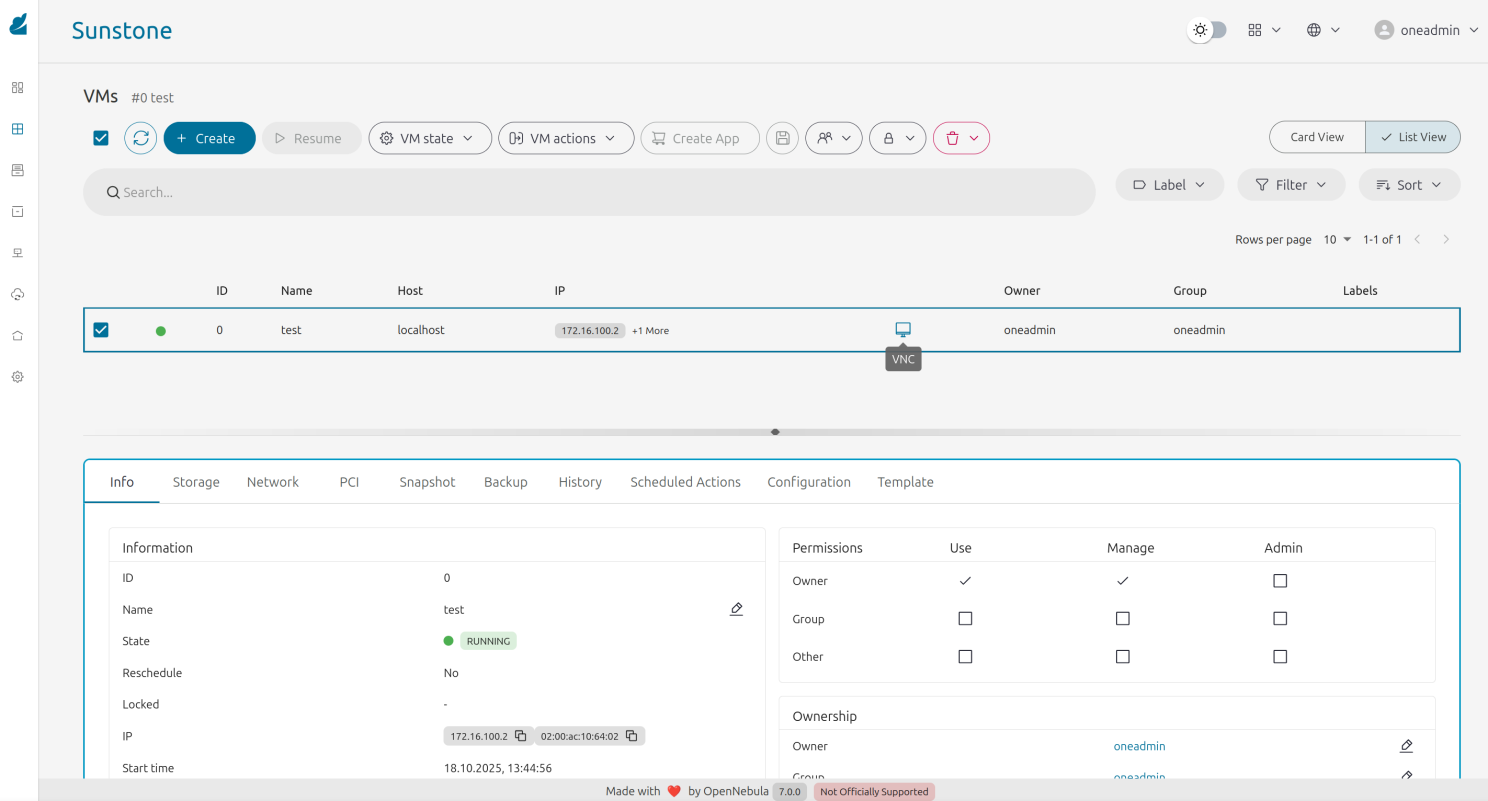
- Validate the installation: Validation
- Run Kubernetes on miniONE: K8S rollout
Deployment#
Validation#
There is already a Alpine Linux template included which can be used to test if the setup works.
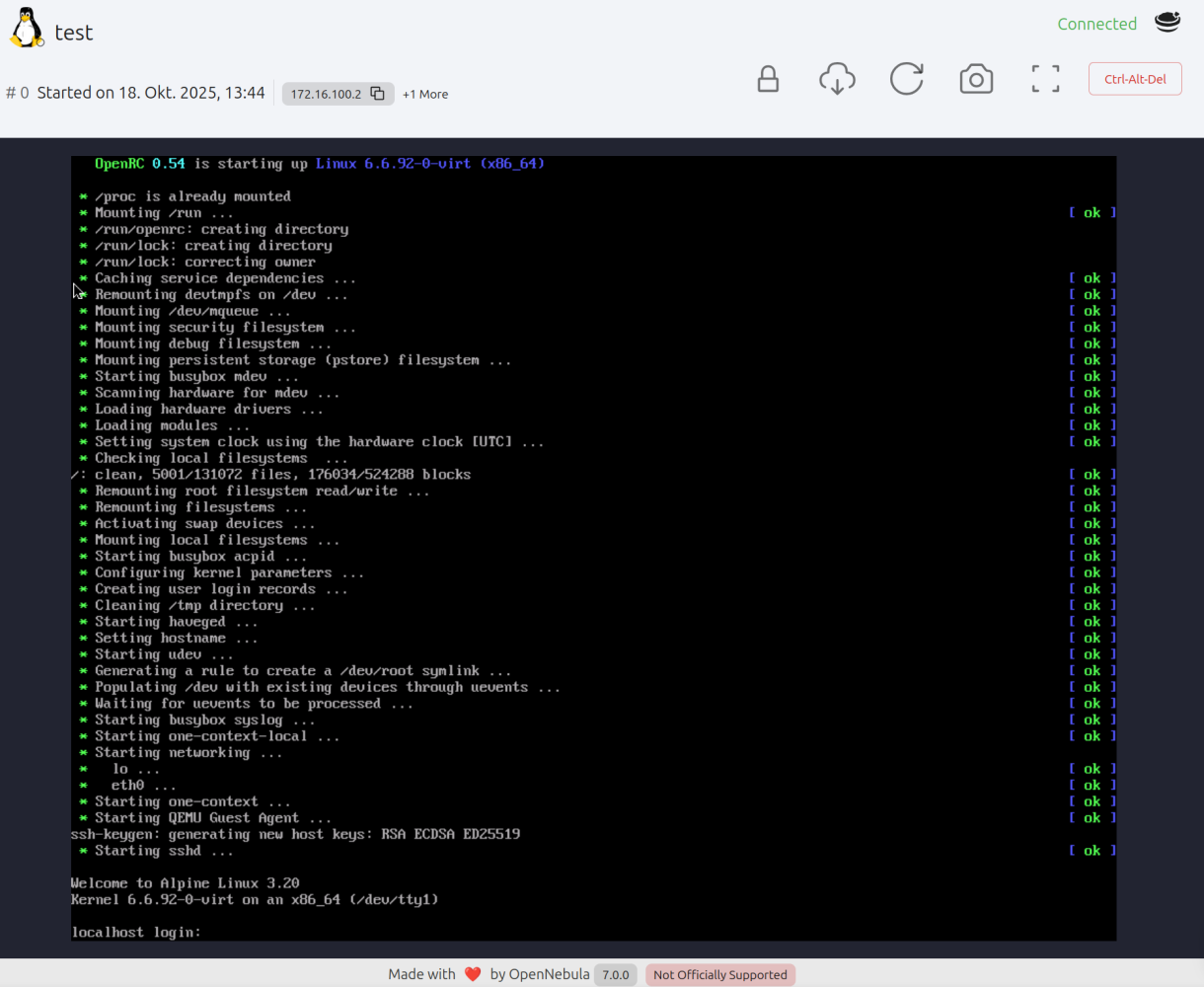
Also easy to access the console of the VM:
Kubernetes#
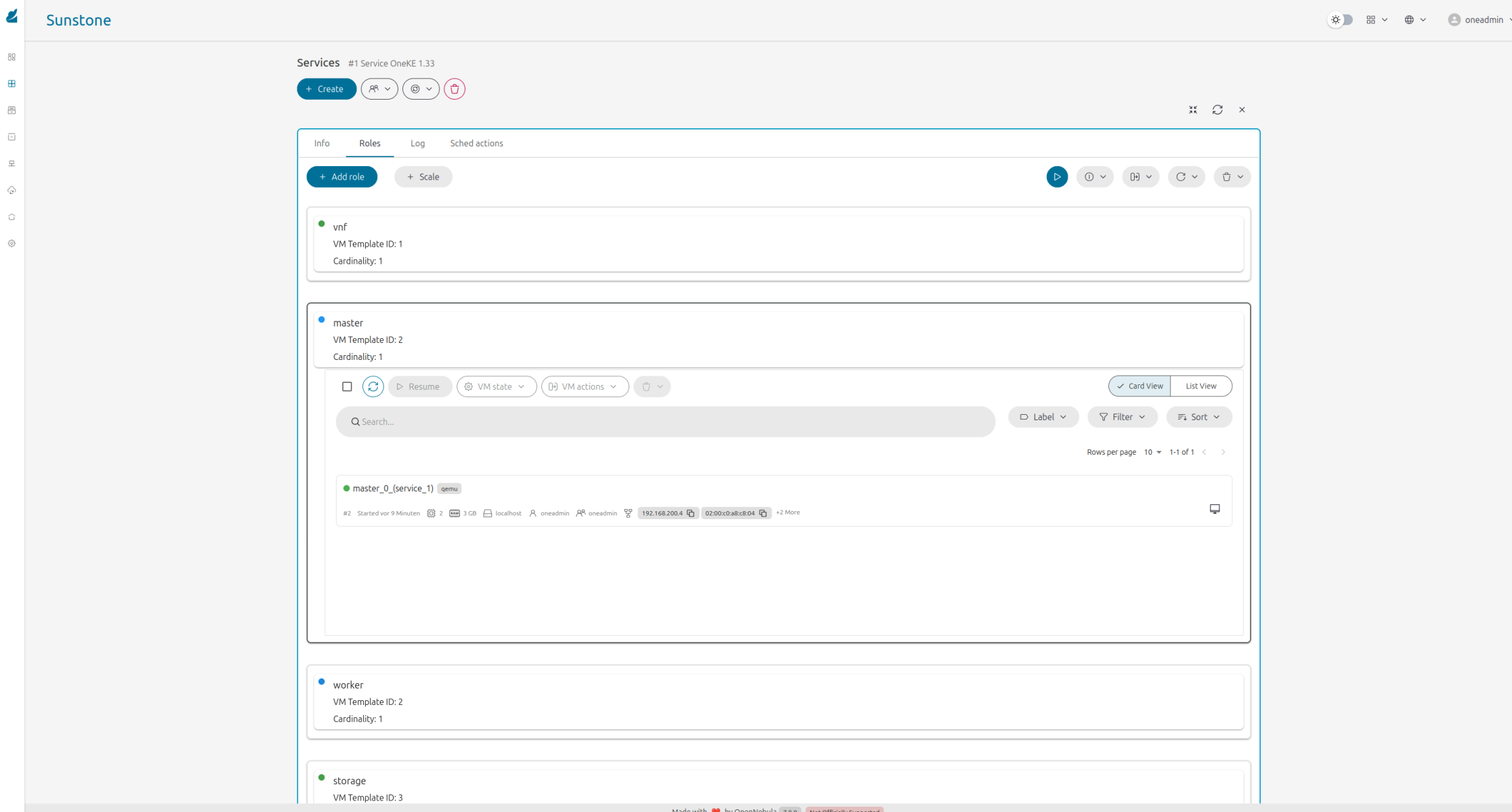
Obennebula has a marketplace where service templates for Kubrnetes are available.
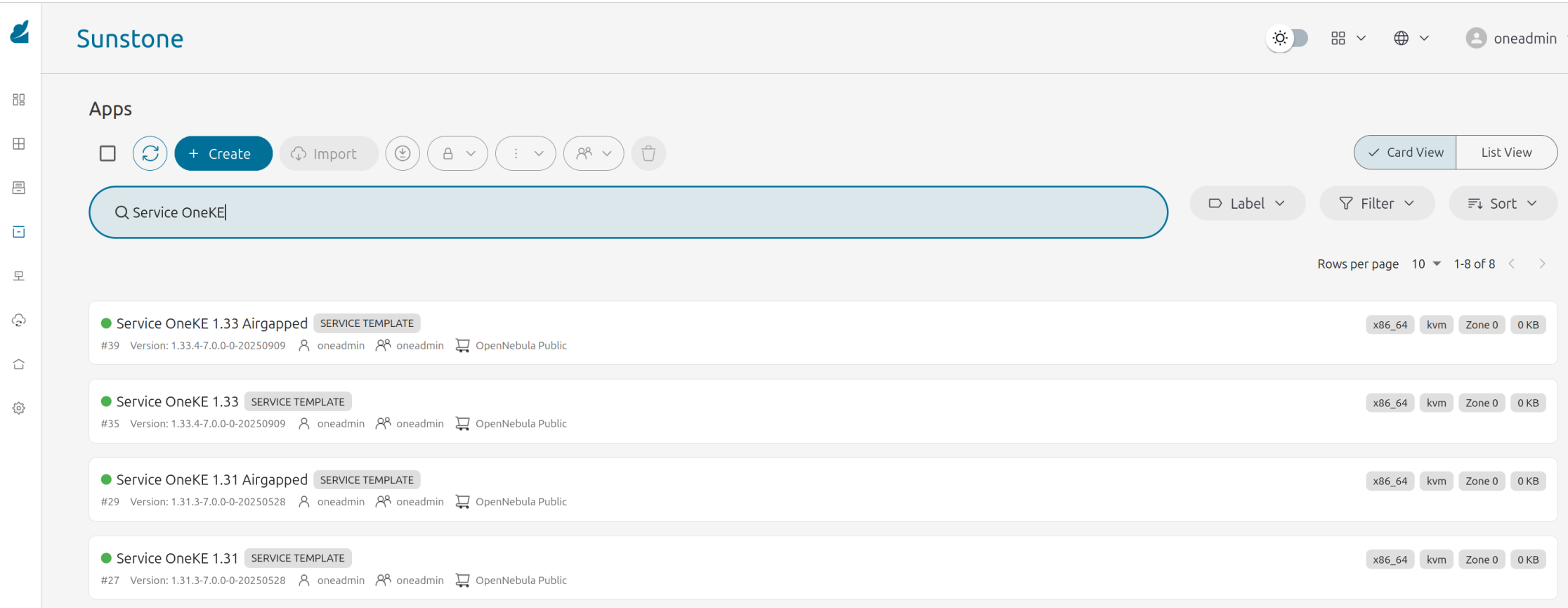
Follow the Documentation and there is a running K8S cluster within Minutes. IN this case this was done via Sunstone UI; But for automation it is also possible via CLI or with Terraform providers.

MiniONE is nice to play with and to get in touch with Opennebula. There was a lot of progress and I will check Opennebula also to build my Homelab on it. More about this at an other article. Maybe in near future;
Thanks to the OpenNebula Systems community for this great solution!